
El futuro del diseño editorial
Explora cómo el diseño editorial está evolucionando en la era digital y descubre las tendencias que están definiendo el futuro de la comunicación visual.

MOKiN 4K HUB HDMI Adapter accessories Docking Station 10Gbps 3 USB 3.1, SD/TF card,100W PD,for MacBook Pro Air M1 M2 USB to Hub


Brand Name: MOKiN
Certification: CE,RoHS
Funtion: HDMI-Compatible/Card Reader/RJ45
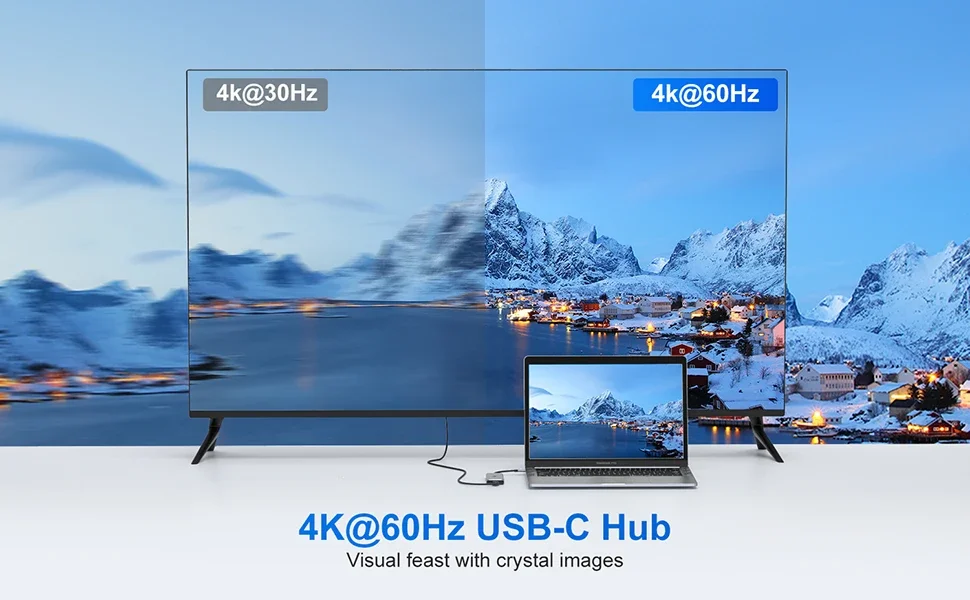
HDMI: 4K@60Hz
High-concerned chemical: None
Interface Type: USB 3.0
Name: MOKiN USB Type C HUB
Origin: Mainland China
Package: Yes
Ports: 7
RJ45: 1000Mbps
SD slot/ TF slot: 104MB/s
Standard: USB 3.0
USB: 2.0[480Mbps] / 3.0[5Gbps] / 3.1[10Gbps] Optional
USB C: PD 100W
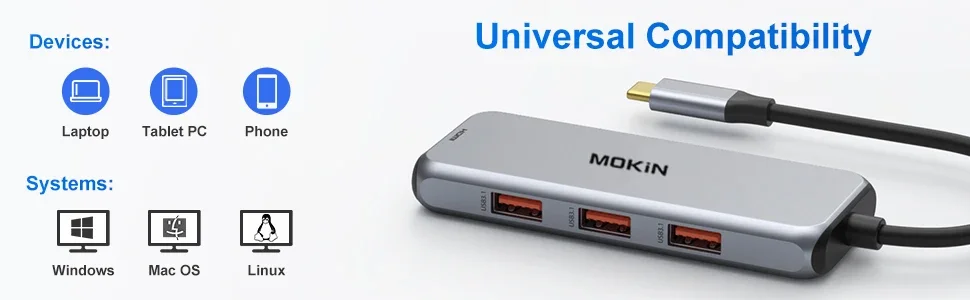
application: for MacBook iPad Pro Air Dell XPS 13 15,Lenovo,Huawei Matebook
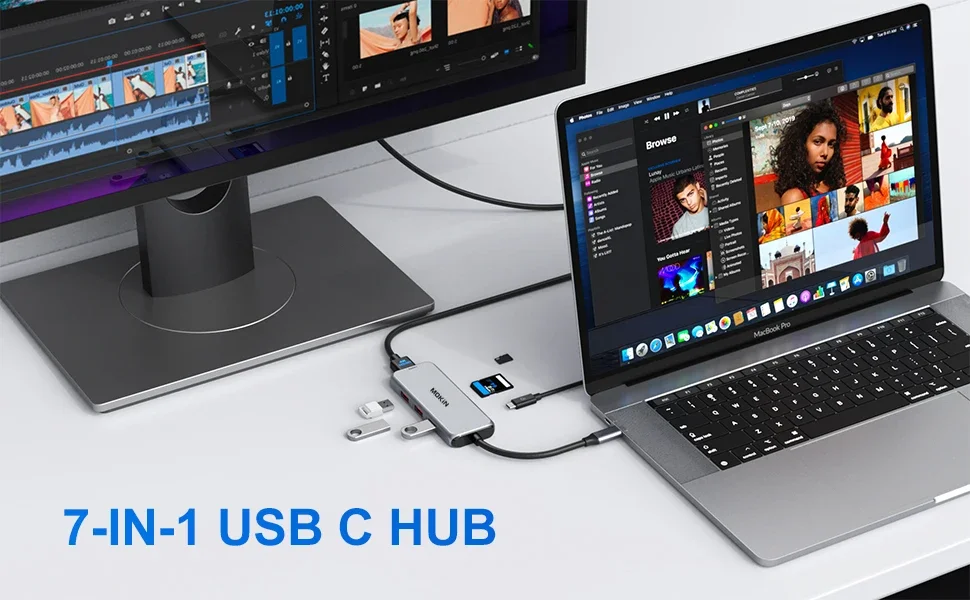
MOKiN USB C Hub Triple Display Type C Adapter with HDMI 4K 60Hz, USB3.0,DP, PD 100W, RJ45, SD/TF Card Reader For MacBook Pro Air
【High definition display】4K@60HZ
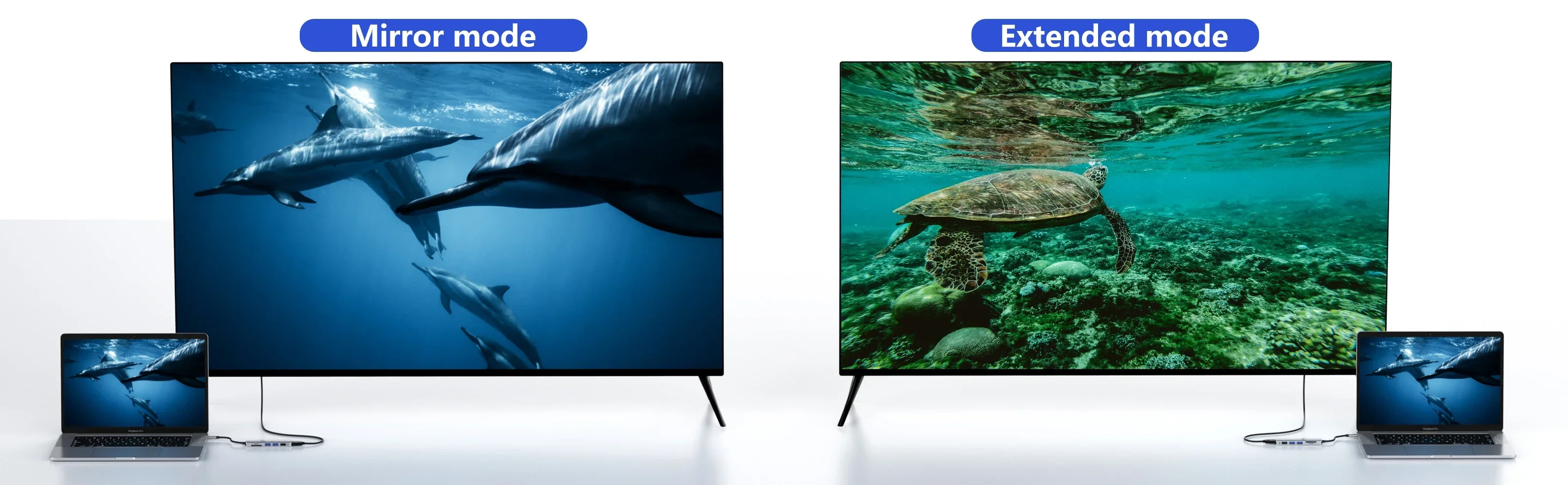
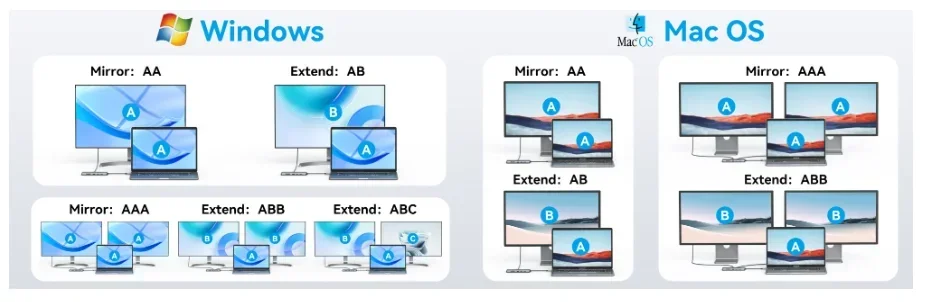
Windows:
Mirror mode: AA(2 display show) AAA(3 display show) AAAA(4 display show)
Extend mode: AB(2 display show) ABC(3 display show) ABCD(4 display show)
Mac OS:
Mirror mode: AA(2 display show) AAA(3 display show) AAAA(4 display show)
Extend mode: AB(2 display show) ABB(3 display show) ABB(4 display show) #Limited by Mac
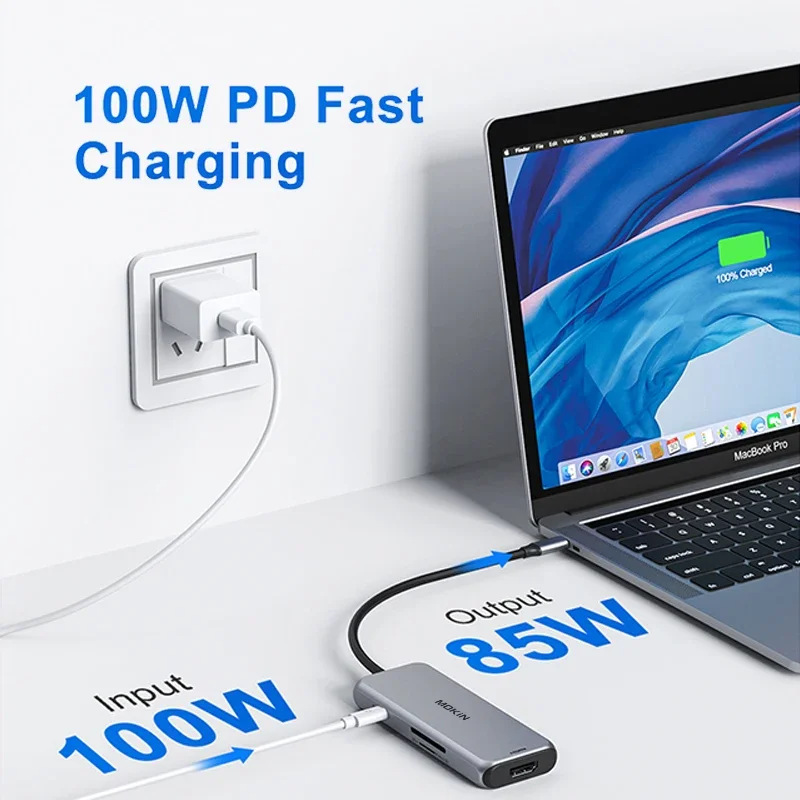
【PD 100W】Fast and Powerful Charging
100W Power Charging Port (87W safty)Provide 100W Power Delivery for your usb c laptops.
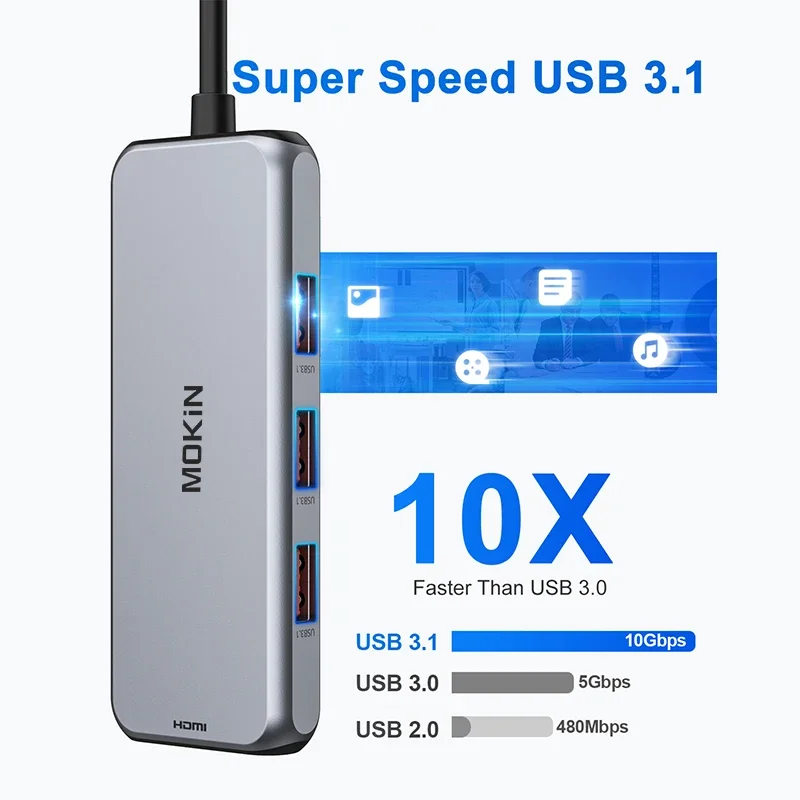
【Efficient Data Transfer】
USB 3.1 ports (up to 10Gbp/s) connect smartphones, tablet, hard drives for effortless data transfer with USB-C port.
USB 2.0, speed up to 480mb/s, it allows you to connect keyboard or mouse without any lag.
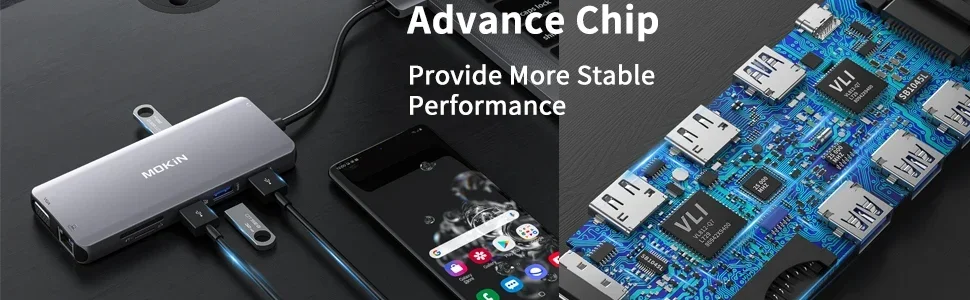
【Avdance Chip】
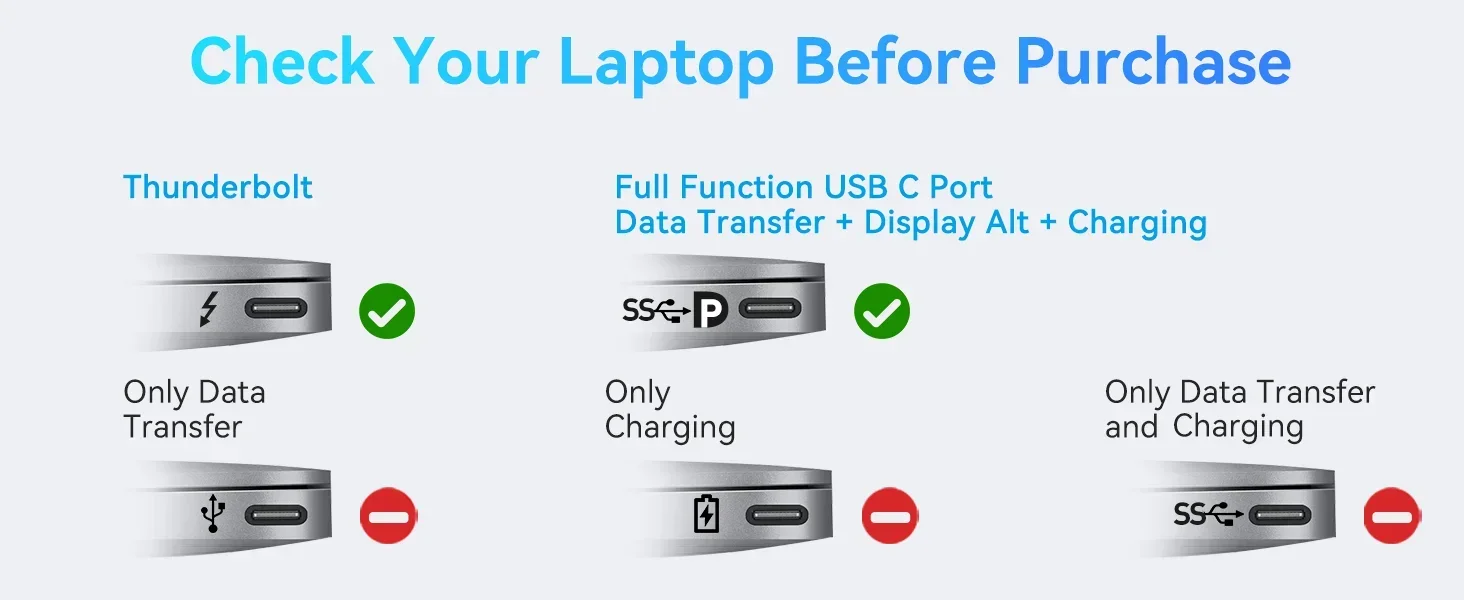
We understand that there is currently a wide variety of notebooks available.
Kindly checking and make sure that your device has one of Thunderbolt 3/4, full-function USB C port (supports Displayport/ DP Alt mode), USB 4.0.

FAQ
Q1. Why the Resolution can't achieve 4K@60HZ ?
A:Makesure both your monitor and host laptop support 4K@60Hz video output, otherwise, and only using single HDMI will achieve 4K@60HZ.
Q2.Sometimes WiFi stopped working while hard disk connected to hub, how to do?
A:2.4Gnetwork is easily disturbed. You can switch to 5G network. Or you can adjust the placement of the hard disk, move to suitable place.
Q3. If display stopped after connect high current hard disk, how to do?
A: Must be charged. Please supply power by power adapter.
Q4. What to do if the HDMI monitor is not recognized by your laptop
A:1. Make sure your laptop's USB C port supports DisplayPort/video output.
2. Check your HDMI cable and monitor. (Connect the monitor to the laptop directly, see if it works)
3. Provide sufficient power supply from the USB C hub.
Q5. Why is the screen sometimes black?
A:The reason why the screen is black is that the power consumption of the docking station is too high, so you need to charge the laptop through the charging port on the docking station, so you can solve the problem of black screen of the display.

Enjoy 7 days to return if any quality problems.
✔ 24 Hours Delivery Time
Most items will be shipped within 24 hours.
✔ 1 Year Warranty
All products have 1 year warranty from our store.
✔ 24 hours Online Service
All emails will be answered with in 24 hours.
This product is crafted with quality materials to ensure durability and performance. Designed with your convenience in mind, it seamlessly fits into your everyday life.
We strive to process and ship all orders in a timely manner, working diligently to ensure that your items are on their way to you as soon as possible.
We are committed to ensuring a positive shopping experience for all our customers. If for any reason you wish to return an item, we invite you to reach out to our team for assistance, and we will evaluate every return request with care and consideration.
Shop The Full Collection


